
Try Demo Account
User Recommended
Exnova Copy Trade and Platform Details
Copy Trading Status
At the moment, copy trading is not available on our side. There is no follower-leader feature, no link between your trades and another user, and no automatic copying. Every trade needs to be opened manually, so you stay in charge. Our charts and order tools are fully manual, and all strategies are handled this way.
We sometimes hear from users hoping for plug-and-play copy trading built in, with signal providers or synced accounts. That is not how the platform operates at present. If this function is a dealbreaker, we always suggest double-checking before joining.
Registration Steps for Indian Traders
Signing up is quick, but there are a few steps to complete. Email and a password get you started, then a confirmation link is sent. Fill in personal info – name and date of birth. We have to verify identity by law, so Indian clients can upload Aadhaar, passport, or driver’s license.
Proof of address may also be required. Recent bank statement or utility – pretty standard stuff. It can be asked for if there’s any flag at registration. Connecting two-factor authentication is an option, using any popular authenticator app, and that really helps with account security.
When starting, you’ll pick which currency you want for your trading account. Many users in India choose INR, while some prefer USD or EUR depending on the deposit method. This choice affects conversions later for deposits and withdrawals.
Fund Deposit Methods
Indian clients can use several deposit methods. Bank transfers may include NEFT, RTGS, and IMPS. You may be able to use Visa, Mastercard, UPI, or crypto. Both Bitcoin and Ethereum transfers are fine, and Tether and Litecoin as well.
Minimum deposit for each method stays at $10 or the equivalent. There are no deposit charges from our side. Of course, payment companies might add their own fees – not all do. E-payments usually show up within a few minutes. Bank transfers – a bit more patience, up to several hours.
UPI integrates directly into the app and links your bank. The process redirects you to UPI and asks for a PIN or biometrics. Funds normally appear right after you confirm.
Crypto? You’ll use an address from inside our platform. Generate the wallet address, copy it, and send funds from your external wallet. Always double-check the address since transfers aren’t reversible if a mistake is made.
Platform Access and Key Trading Tools
The Exnova platform works in a browser and through our mobile app, available for Android and iOS. You’ll see more than 500 tradable assets: forex, stocks, indices, crypto and commodities mix in one place. Live pricing, chart customization, and technical indicators are all standard features.
Anyone can try unlimited virtual trades in a demo account, and real-money trading opens after the first deposit.
Asset Table
| Category | Examples | Notes |
|---|---|---|
| Forex | EUR/USD, USD/INR | Common and exotic pairs |
| Commodities Gold, Oil, Silver | Spot-based contracts | |
| Stocks | Tesla, Microsoft, Netflix Big tech and global | |
| Crypto | BTC, ETH, LTC | Digital currencies |
| Indices | Nifty 50, S&P 500 | India, USA, global indices |
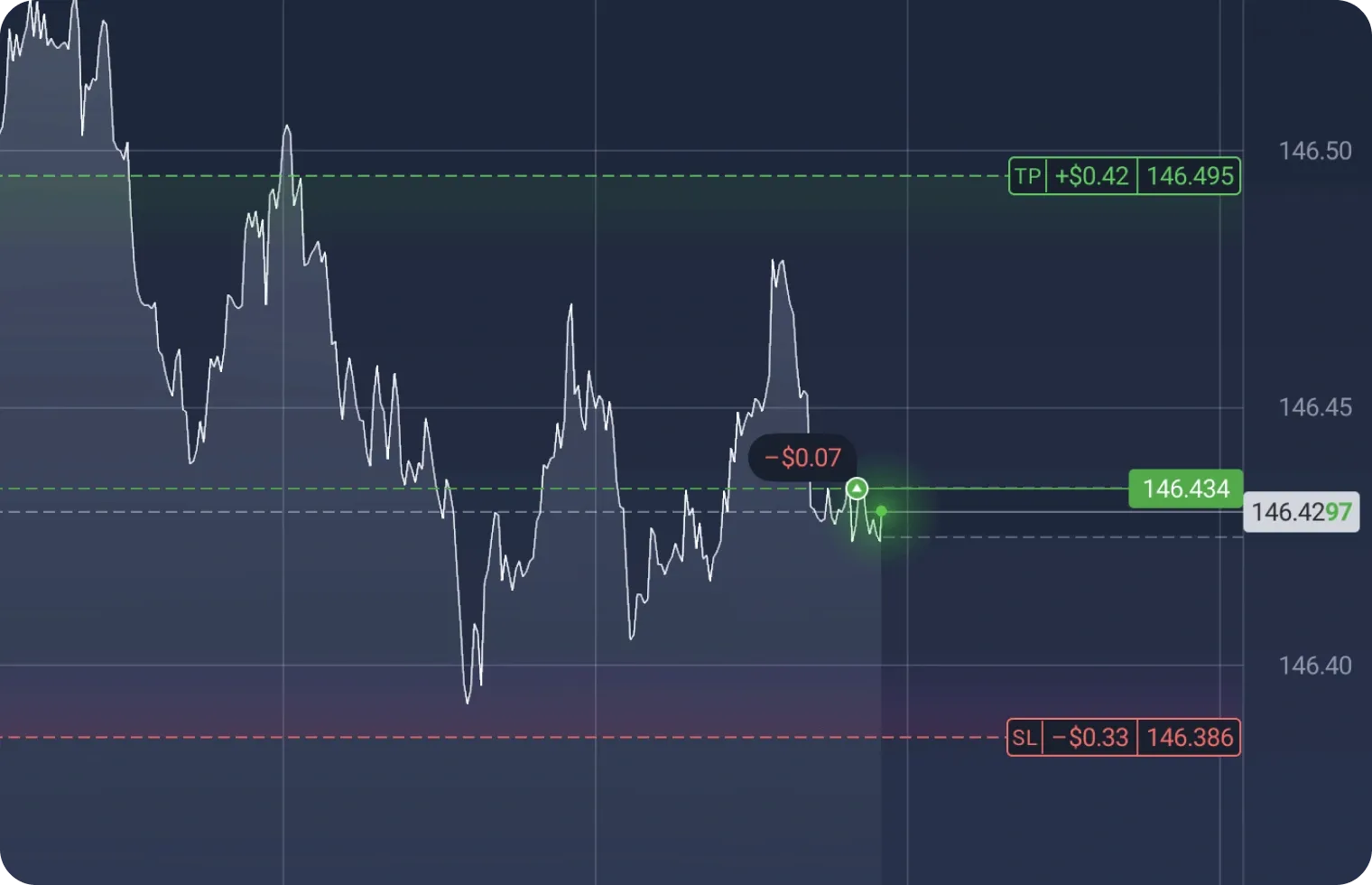
Leverage goes up to 1:500 on real accounts. Spreads start at around 1.2 pips on major forex markets. Several order types are available, including market, pending, stop-loss, take-profit, and trailing stops that move with favorable price action.
How Withdrawals Work
Withdrawing funds? Payouts usually go back the way you deposited. You’ll pick the withdrawal tool in the dashboard, enter an amount and select where you want your cash.
One withdrawal per month is included without any platform fee. More than that – we apply a 2% charge on the withdrawal sum. Card withdrawals take around 1 to 3 business days, while bank transfers may take up to 5 days. Stick to the same method as your deposit for the quickest processing.
When withdrawing large amounts, we may double-check your identity for safety. Keep your KYC documents ready before that first withdrawal, saves time. Withdrawals have a $10 minimum.
Exnova App on Mobile
Android and iOS users can trade on their phones. Over 5 million downloads on Play Store – that’s for Android. iOS installs via App Store as usual.
Quick steps for Android: Search us in Play Store, verify we are the official developer, hit Install, and log in. iOS is the same flow. Mobile charts allow pinching and landscape mode, order entries are handled through swipes and quick sliders.
Push alerts are built in – track your market moves, order results and balance changes as they happen. Preferences for alerts are flexible in app settings.
Trading Instruments on Offer
We offer forex, including pairs like EUR/USD and rupee currency combinations. Trade gold, crude oil, and more in commodities. Stocks cover firms like Tesla and Netflix, plus global and Indian indices.
Main asset types:
- Forex: INR and global currency pairs
- Commodities: Includes precious metals, energy
- Stocks and indices: US, Europe, Asia, India
- Crypto: Bitcoin, Ethereum, Tether, etc.
Each asset comes with variable spreads and different margin conditions.
Technical Tools and Analysis
Our chart system displays minute, hourly, daily, and other timeframes. Pick candles, lines or bars. Full indicator library: RSI, MACD, moving averages, Fibonacci, Bollinger Bands, overlays, cross-charting, save templates for your own setups.
You get drawing tools such as trend lines and levels. An economic calendar shows what’s happening today or later – filter news by impact or country.
Account Options and Trading Conditions
Standard accounts require $10 to open. You get real market access, leverage up to 1:500 for forex. Spreads always depend on the asset – main pairs usually start at 1.2 pips.
VIP accounts are intended for traders with higher volume and may include more personal support, unique analytics, and custom adjustments. Qualification means higher balances or activity monthly.
Sharia-compliant Islamic accounts may be available and skip overnight swap, but eligibility is checked.
Demo accounts have a $10,000 virtual balance and can be reset at any time.
Regulatory and Company Information
Exnova operates under Digital Smart LLC, from Antigua and Barbuda, registration L 22205. Payment operations may run via Digital Smart CY Limited (Cyprus, HE 410889). We don’t hold licenses from FCA, CySEC, or ASIC, so client protections align with our own standards, not those of big regulators.
There’s risk in trading, especially with leverage. Most retail users experience losses, which is always disclosed up front. Questions or support needs? Write to support@exnova.com or call +357 96 950659.
Safety and Security
Two-factor authentication can improve login security by linking your phone for one-time codes. KYC verification is required, and proper ID checks help prevent misuse and secure funds.
Negative balance protection means you can’t lose more than you deposited. If sudden price shifts ever drop you below zero, we cover that loss.
SSL data encryption is built into all sessions, and you will see the secure lock in your browser. Make sure to double-check before entering personal details.
Main Fee Types
You pay mostly through spreads on trades: our platform’s main earning model. Wider spreads on exotics, lower on major pairs. Some accounts or stocks have extra commissions – this is in the terms.
Leaving an account inactive for months? An inactivity fee can be charged. Swap fees apply to leveraged positions held overnight, unless you are on an Islamic account with a different structure.
FAQ
Is Exnova registration free?
Yes, creating an account is completely free.
Do I need verification to register?
No verification is required to open an account.
Can I use demo and real accounts together?
Yes, both are available from one account.
How long does registration take?
Less than a few minutes.